
Deploy new features easily through our feature flagging function.














Mida feature flags help teams expose changes gradually, target who sees them, and reduce the risk of launching a website experience to everyone at once.
Roll out a new banner, offer, page section, or feature treatment to a limited audience before expanding.
Use visitor, device, campaign, or page conditions to decide who should see a flagged experience.
Feature flags can support gradual release, while A/B tests help decide whether the new experience actually improves outcomes.
VWO frames feature flags as rollout, testing, and personalization rules. Mida keeps that same practical idea focused on website and marketing use cases.
Mida is primarily designed for website-side experience control. For backend logic, native mobile apps, or infrastructure flags, a dedicated SDK-based feature management platform may be a better fit.
Yes. Flags let teams limit exposure, preview changes, and pause an experience without reverting a full release.
A flag controls availability. An A/B test measures which version performs better. In practice, teams often use both together.
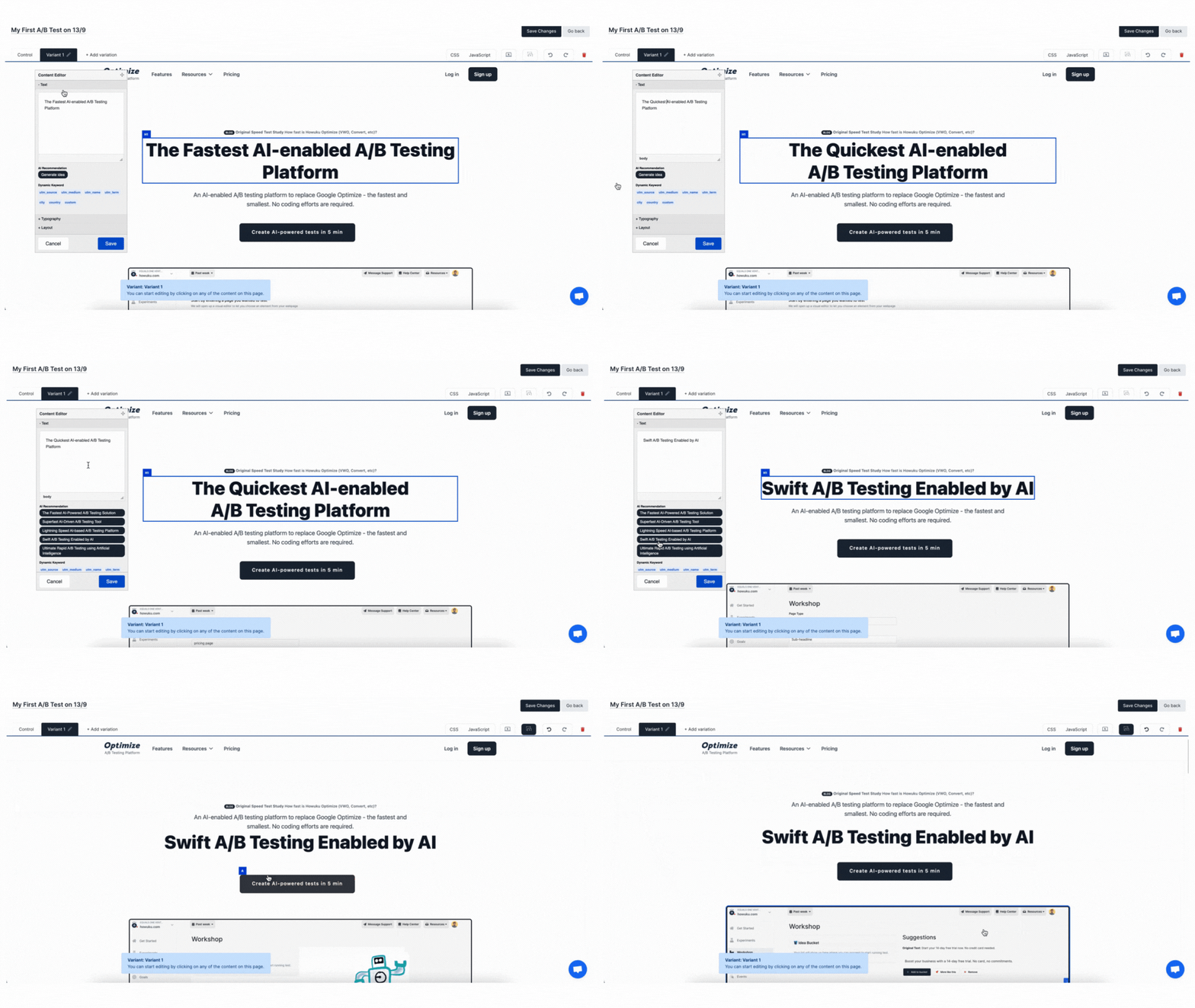

Mida supports web-focused feature flags that let you turn experiences on or off, expose changes gradually, and target flags to specific visitor groups without a full release.
Developers can use Mida's feature flag helpers, such as mida.onFeatureFlags and mida.isFeatureEnabled, to wait for flags and decide whether a feature should render.
Yes. Feature flags can use targeting rules so you can roll out a feature by URL, device, geography, cookie, segment, event behavior, schedule, or other visitor conditions.
A feature flag controls who gets access to a feature. An A/B test compares variants and measures performance. You can use a flag for staged rollout, then run an experiment when you need statistical evidence.
Yes. Use targeting, priority, and mutual exclusion controls so visitors do not get conflicting experiences from multiple flags or experiments on the same page.
Yes. Mida supports web feature flags and server-side or full-stack workflows for teams that need flag decisions outside the browser.
Yes. You can connect feature rollouts to goals, conversions, revenue, and integrations so product and marketing teams can see whether the rollout improves the metrics that matter.
Mida.so is a super lightweight A/B testing tool to help you experiment, analyze and implement conversion strategies in minutes.


Still deciding?
A quick screen share on your actual site — no slides, no generic tour. Just your questions answered.
30 min · no commitment · no sales pressure